
Designing User-Friendly Websites with Impact
- Subha Banerjee
- Sep 22, 2025
- 4 min read

Creating a website that truly connects with visitors is no small feat. It’s not just about looking good; it’s about making every click, scroll, and interaction feel natural and rewarding. When you nail user-friendly web design, you’re not just building a site—you’re crafting an experience that keeps people coming back. Ready to dive into how you can design websites that are both easy to use and powerful in impact? Let’s get started!
Why User-Friendly Web Design Matters More Than Ever
Think about the last time you visited a website that was confusing or slow. Frustrating, right? That’s exactly why user-friendly web design is a game-changer. It’s about making your visitors’ journey smooth, intuitive, and enjoyable. When your website is easy to navigate, visitors find what they need quickly, which means they’re more likely to stay longer, engage more, and convert into customers.
Here’s the kicker: user-friendly design isn’t just for big brands. Whether you’re a startup or an established business, your website is often the first impression you make. And we all know how important first impressions are! A well-designed site builds trust, boosts credibility, and sets you apart from the competition.
What does user-friendly web design look like in practice?
Clear navigation that guides visitors effortlessly.
Fast loading times so no one gets impatient.
Mobile responsiveness because everyone’s on their phone.
Readable fonts and contrasting colors for easy reading.
Accessible features that cater to all users, including those with disabilities.

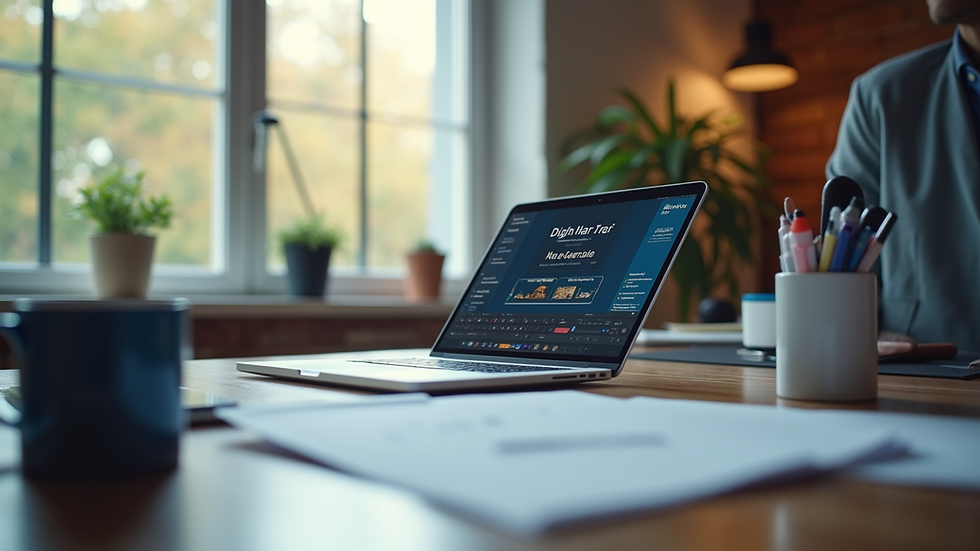
Caption: A clean, easy-to-navigate homepage designed for user engagement.
Key Principles to Master User-Friendly Web Design
Let’s break down the essentials that make a website truly user-friendly. These principles aren’t just theory—they’re practical steps you can take right now.
1. Simplify Navigation
Your menu should be straightforward. Use familiar terms and organize content logically. Avoid overwhelming visitors with too many options. Instead, group related pages under clear categories.
Pro tip: Use a sticky menu that stays visible as users scroll. This keeps navigation accessible at all times.
2. Prioritize Speed
Did you know that a delay of just one second can reduce conversions by 7%? Speed matters. Optimize images, leverage browser caching, and minimize code to keep your site zippy.
3. Design for Mobile First
More than half of web traffic comes from mobile devices. Designing for mobile first ensures your site looks great and functions well on smaller screens. Responsive design adapts your layout seamlessly across devices.
4. Use Clear Calls to Action (CTAs)
Tell visitors exactly what you want them to do next. Whether it’s “Buy Now,” “Contact Us,” or “Learn More,” your CTAs should stand out and be easy to find.
5. Make Content Scannable
People skim online. Use headings, bullet points, and short paragraphs to make your content easy to digest. Highlight key information with bold or italics.
6. Ensure Accessibility
Design with everyone in mind. Use alt text for images, ensure sufficient color contrast, and enable keyboard navigation. Accessibility isn’t just ethical—it broadens your audience.

Caption: Close-up of a mobile device displaying a responsive and user-friendly website.
What are website design services?
If you’re wondering how to bring all these elements together, that’s where professional web design services come in. These services offer expert help to build websites that are not only visually appealing but also optimized for usability and performance.
Here’s what you can expect from quality website design services:
Custom design tailored to your brand and goals.
Technical expertise to ensure fast, secure, and scalable sites.
SEO-friendly structures to help your site rank higher.
Ongoing support and updates to keep your site fresh.
Working with a trusted partner means you get a website that truly reflects your business and meets your customers’ needs. Plus, it frees you up to focus on what you do best—running your business.

Caption: High angle view of a web designer crafting a user-friendly website layout.
Actionable Tips to Boost Your Website’s User Experience Today
Ready to roll up your sleeves? Here are some practical steps you can implement right now to enhance your website’s user-friendliness:
Audit Your Current Site: Use tools like Google PageSpeed Insights and Hotjar to identify pain points.
Simplify Your Menu: Cut down on unnecessary links and organize your navigation logically.
Optimize Images: Compress images without losing quality to speed up loading times.
Test on Multiple Devices: Check how your site looks and works on phones, tablets, and desktops.
Add Clear CTAs: Make sure every page has a clear next step for visitors.
Improve Readability: Use larger fonts, plenty of white space, and contrasting colors.
Check Accessibility: Use tools like WAVE or Axe to find and fix accessibility issues.
Implementing these tips can make a huge difference in how visitors interact with your site—and how they feel about your brand.
The Impact of User-Friendly Web Design on Business Growth
Here’s the exciting part: when your website is easy to use, it directly contributes to your business growth. How? Because it:
Increases visitor retention: People stay longer and explore more.
Boosts conversion rates: Clear CTAs and smooth navigation lead to more sales or inquiries.
Enhances brand reputation: A professional, user-friendly site builds trust.
Improves SEO: Search engines favor sites that offer great user experiences.
Reduces bounce rates: Visitors don’t leave out of frustration.
Think of your website as your digital storefront. Would you want customers to walk into a cluttered, confusing shop? Of course not! A well-designed website invites visitors in, guides them effortlessly, and leaves them eager to return.
Designing a website that’s both user-friendly and impactful isn’t just a nice-to-have—it’s essential for thriving online. Whether you’re starting fresh or revamping an existing site, focusing on usability will pay off in spades. And if you want expert help, consider partnering with professionals who specialize in web design services to get the best results.
Now, go ahead—make your website a place where visitors feel welcome, understood, and inspired to take action. Your digital growth journey starts here!


Comments